Introduction: Why Move from Informatica to Workato?
Organizations today are shifting from traditional tools like Informatica to modern platforms like Workato to keep up with cloud, automation, and real-time data needs.
While Informatica is powerful for batch data processing, Workato is designed for faster, simpler, and more flexible integrations.
At OdiTek’s iPaaS Center of Excellence, we see this migration as a way to:
1. Enable real-time data movement
2. Simplify integrations with low code automation
3. Reduce dependency on heavy infrastructure
4. Improve business agility
What is Informatica to Workato Migration?
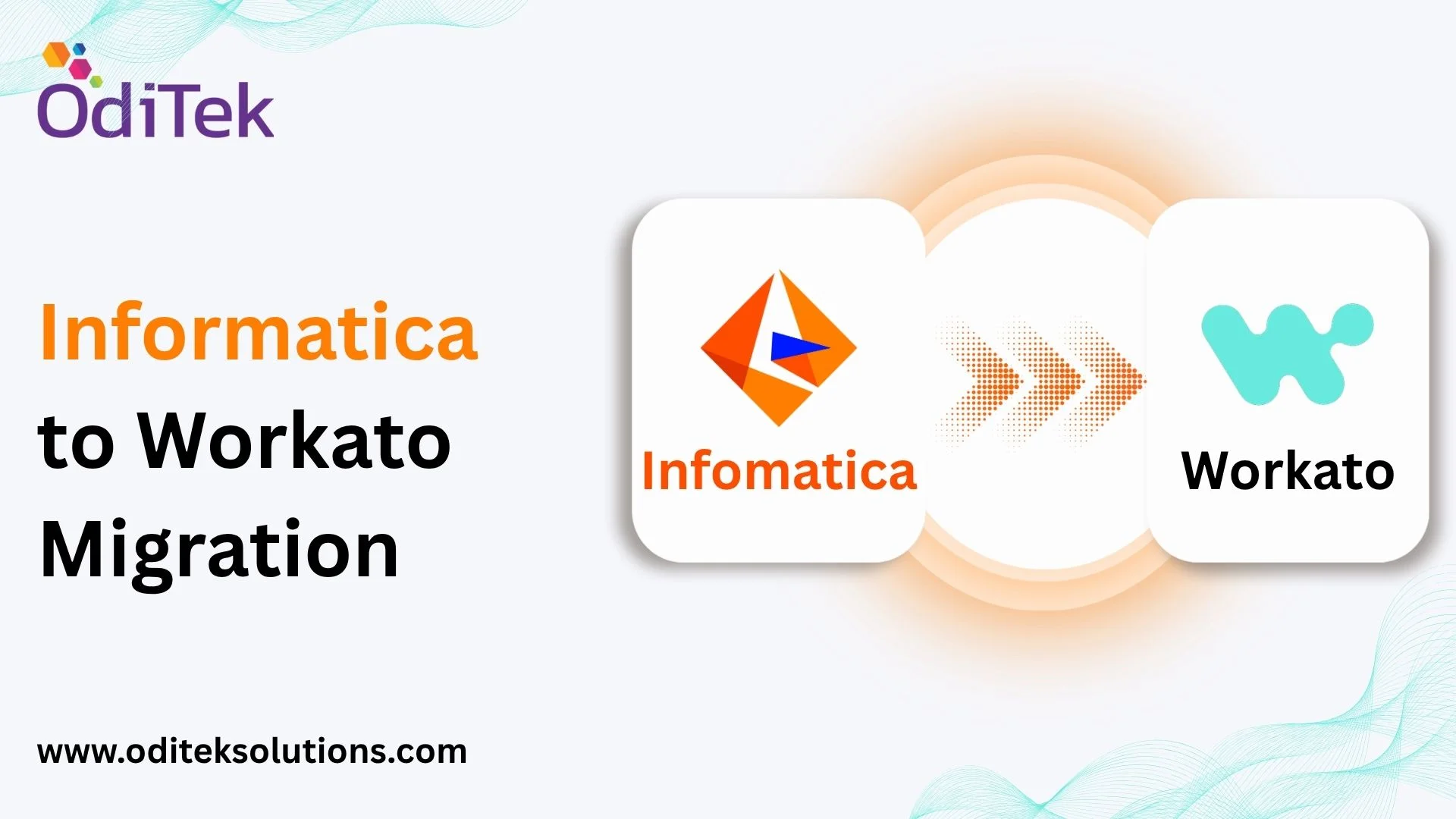
Informatica to Workato migration is the process of moving your existing data workflows and integrations from Informatica to Workato and redesigning them to be faster, more flexible, and cloud ready.
Instead of complex batch jobs, you move to automated workflows (recipes) that run in real-time.
1. Key Difference: Old vs New Approach
• Works mostly in batches (scheduled jobs)
• Requires infrastructure management
• Heavier development effort
• Traditional integration approach
Workato (Modern Approach)
• Works in real-time or near real-time
• Cloud based (no infrastructure overhead)
• Easy to build integrations using drag and drop
2. How Migration Typically Works
A structured approach helps ensure a smooth transition.
Step 1: Assess Existing Workflows
• Identify all Informatica jobs
• Understand what each workflow does
• Find dependencies and data flows
Step 2: Decide What to Migrate
• Keep important workflows
• Remove unused or redundant processes
• Identify which jobs can be made real-time
Step 3: Recreate in Workato
• Convert Informatica workflows into Workato recipes
• Replace complex logic with simpler automation steps
• Use built-in connectors instead of custom code
Step 4: Test & amp; Validate
• Compare outputs between Informatica and Workato
• Ensure data accuracy
• Run systems in parallel if needed
Step 5: Go Live
• Gradually move workloads to Workato
• Monitor performance and optimize
3. Informatica to Workato Data Migration
When moving data processes:
Common Challenges
• Large volumes of data
• Complex transformations
• Dependency on intermediate tables
Simplified Approach
• Process data in smaller batches
• Use Workato’s built-in transformation tools
• Avoid unnecessary data movement
4. Cloud Migration Benefits
Moving to Workato also means moving towards the cloud.
Key Advantages
• No infrastructure maintenance
• Easy integration with SaaS apps (Salesforce, SAP, etc.)
• Faster deployment of integrations
• Better scalability
5. Common Migration Patterns
Here are simple ways organizations modernize during migration:
• Batch to Real-Time
• Instead of running jobs at night, workflows trigger instantly when events happen.
• Complex to Simplified Workflows
• Break large, complicated processes into smaller, reusable automations.
• Static Data to Live API Calls
• Replace stored lookup tables with real-time data from APIs.
6. Is There an Informatica to Workato Converter?
There is no direct one-click Informatica to Workato converter.
However, at OdiTek CoE, migration is accelerated using:
• Predefined templates
• Reusable automation components
• Standard migration frameworks
This reduces effort and ensures consistency.
7. Best Practices for a Smooth Migration
• Don’t just copy workflows, simplify them
• Move towards real-time processing where possible
• Use modular design (small reusable workflows)
• Monitor performance after migration
• Use error handling for reliability
8. Common Challenges
• Trying to replicate old designs exactly
• Handling complex data logic
• Managing API limits in cloud systems
• Ensuring data consistency
Quick Summary
✔ Move from batch processing to real-time automation
✔ Simplify integrations using Workato recipes
✔ Use cloud-native connectors and APIs
✔ Break large workflows into smaller pieces
✔ Test thoroughly before going live
Why Choose OdiTek
OdiTek brings proven expertise in Informatica to Workato legacy migration projects:
1. End-to-End Services: Complete migration lifecycle management from assessment to deployment
2. Deep Workato Knowledge: Extensive experience with complex integration scenarios
3. Tailored Strategies: Customized approaches aligned with your business requirements
4. Minimal Disruption: Methodologies that maintain business continuity
5.Ongoing Support: Optimization and support throughout your migration journey
Conclusion
Informatica to Workato migration is not just a tool replacement, it’s a step toward modern, scalable integration.
By adopting a simpler, cloud first approach:
1. Integration becomes faster
2. Maintenance becomes easier
3. Business processes become more agile
With the right strategy, organizations can transform legacy data systems into smart, automated workflows powered by Workato.
Ready to drive integration efficiency? Visit workato skill page, or contact us today to see how OdiTek can accelerate your cloud-native transition.