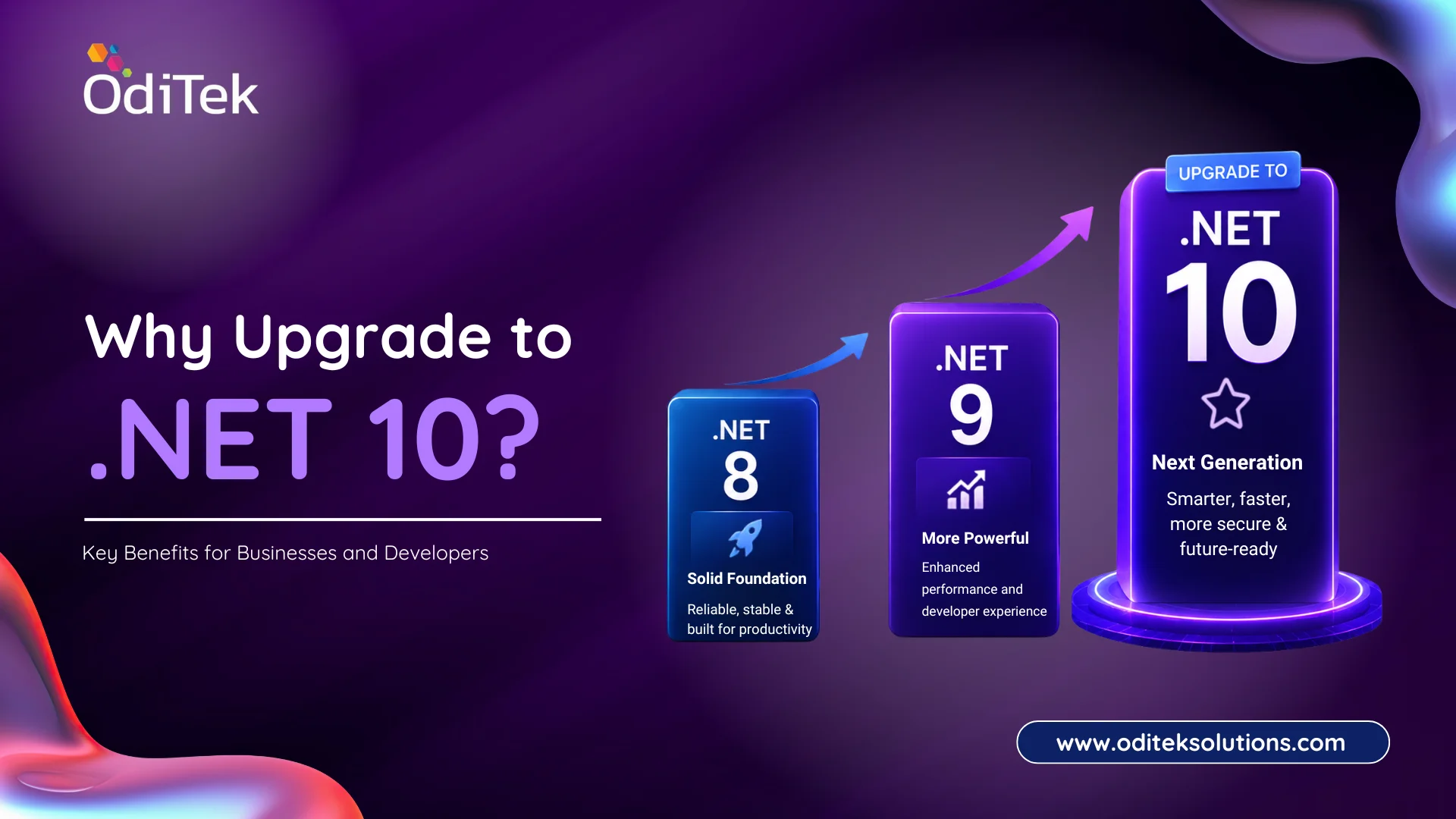
Upgrade to .NET 10 is a strategic move for businesses looking to develop faster, more secure, and future-ready applications. As Microsoft’s latest long-term evolution of the .NET platform, .NET 10 introduces significant improvements in performance, cloud-native development, AI integration, security, and developer productivity.
Whether you’re maintaining legacy enterprise software or building modern web, mobile, desktop, or cloud applications, upgrading to .NET 10 can help your organization reduce development costs while delivering better user experiences.
In this blog, we’ll explore what is .NET 10, its major improvements, and why businesses and developers should consider upgrading.
What is .NET 10?
.NET 10 is Microsoft’s latest version of the unified .NET platform designed for developing high-performance applications across multiple platforms.
It enables developers to create:
• Web applications
• Enterprise software
• APIs and microservices
• Cloud-native applications
• Desktop applications
• Mobile apps
• IoT solutions
• AI-powered applications
The platform continues Microsoft’s vision of a single framework capable of handling every stage of modern software development while improving performance, scalability, and security.
Why Upgrade to .NET 10?
Businesses are under constant pressure to deliver applications that are faster, scalable, secure, and easier to maintain. Older frameworks often struggle to keep up with evolving customer expectations and modern infrastructure.
Here are the biggest reasons to upgrade to .NET 10
1. Improved Performance
Performance remains one of Microsoft’s biggest priorities.
.NET 10 delivers:
• Faster application startup
• Reduced memory consumption
• Improved runtime optimization
• Better garbage collection
• Faster API response times
These enhancements help businesses reduce infrastructure costs while improving user satisfaction.
2. Better Cloud-Native Development
Modern businesses increasingly deploy applications on cloud platforms like Microsoft Azure, AWS, and Google Cloud.
.NET 10 makes cloud development easier through:
• Better container optimization
• Improved Kubernetes support
• Faster deployment pipelines
• Enhanced microservices architecture
• Native cloud scalability
This allows organizations to build applications that scale automatically based on demand.
3. Enhanced Security
Security remains one of the primary reasons organizations modernize their applications.
.NET 10 includes improvements in:
• Authentication
• Authorization
• Encryption
• Secure APIs
• Identity management
• Runtime security
Businesses handling sensitive customer or financial data benefit from stronger built-in security capabilities.
4. AI-Ready Application Development
Artificial Intelligence is becoming an essential component of modern software.
.NET 10 supports easier integration with:
• Azure AI Services
• Machine Learning models
• OpenAI APIs
• AI assistants
• Intelligent automation
Developers can build smart business applications without relying on multiple disconnected frameworks.
5. Improved Developer Productivity
Microsoft continues simplifying software development.
Developers benefit from:
• Faster build times
• Better debugging tools
• Enhanced IntelliSense
• Improved Hot Reload
• Cleaner project templates
• Better dependency management
This helps teams deliver projects faster while reducing maintenance efforts.
6. Cross-Platform Development
One of the strongest .NET 10 benefits is its ability to support multiple operating systems.
Developers can build applications for:
• Windows
• Linux
• macOS
• Android
• iOS
Using a single codebase significantly reduces development time and maintenance costs.
7. Better ASP.NET Core Performance
Organizations developing web applications will notice improvements in ASP.NET Core.
Benefits include:
• Faster routing
• Improved middleware performance
• Better minimal APIs
• Optimized server performance
• Lower latency
These improvements are particularly valuable for enterprise web applications with high traffic.
8. Simplified Enterprise Modernization
Many organizations still operate applications built on older versions of .NET Framework.
Upgrading to .NET 10 enables:
• Easier migration
• Better maintainability
• Reduced technical debt
• Modern architecture adoption
• Long-term platform support
Modernization also helps organizations prepare for future technology adoption.
.NET 10 Benefits for Businesses
Businesses investing in .NET 10 development gain advantages that extend beyond technical improvements.
1.Lower Operational Costs
Higher performance means applications consume fewer server resources, reducing infrastructure expenses.
2.Faster Time-to-Market
Developer productivity improvements enable faster feature releases and shorter development cycles.
3.Better Customer Experience
Applications become more responsive, improving customer satisfaction and engagement.
4.Future-Proof Technology
Microsoft continues investing heavily in the .NET ecosystem, making it a reliable long-term platform.
5.Improved Scalability
Applications can handle growing workloads without significant architectural changes.
6.Easier Cloud Adoption
Organizations planning digital transformation can move applications to the cloud more efficiently.
Why Should Developers Use .NET 10?
Many developers wonder, Why should developers use .NET 10?
The answer lies in the platform’s ability to simplify modern software development.
Developers gain access to:
• Modern C# language features
• Better tooling
• Improved debugging experience
• Faster compilation
• AI integration capabilities
• Native cloud support
• High-performance runtime
• Extensive open-source ecosystem
Whether building enterprise applications or startup products, .NET 10 provides the flexibility needed for modern development.
.NET 10 Development Use Cases
Organizations across industries are adopting .NET 10 development for a wide range of business applications.
Common use cases include:
• Enterprise resource planning (ERP)
• Customer relationship management (CRM)
• Healthcare platforms
• Banking and financial systems
• Manufacturing software
• Retail applications
• Logistics management
• E-commerce platforms
• Education portals
• Government solutions
• SaaS platforms
• AI-powered business applications
Upgrade to .NET 10: Migration Considerations
Before migrating, organizations should evaluate their existing applications.
Key considerations include:
• Current .NET version
• Third-party package compatibility
• Database integration
• Cloud infrastructure readiness
• Security requirements
• Performance goals
• Testing strategy
A structured migration approach helps minimize downtime and ensures a smooth transition.
Best Practices for a Successful Upgrade
To maximize the benefits of upgrading:
• Audit your current applications.
• Update dependencies before migration.
• Test all business-critical workflows.
• Optimize performance after deployment.
• Strengthen security configurations.
• Use automated CI/CD pipelines.
• Monitor application performance continuously.
These practices help organizations achieve a stable and efficient migration.
Future of .NET Development
Microsoft continues investing in AI, cloud computing, automation, and enterprise development.
Future versions of .NET are expected to deliver:
• Deeper AI integration
• Faster cloud-native deployment
• Improved developer tools
• Enhanced security
• Better performance optimization
• Continued cross-platform innovation
Organizations that upgrade to .NET 10 position themselves to take advantage of these future advancements with minimal disruption.
Why Choose Oditek Solutions?
At Oditek Solutions, we help businesses modernize legacy applications and build scalable, high-performance software using the latest Microsoft technologies.
Our .NET development services include:
• .NET application development
• Legacy application modernization
• ASP.NET Core development
• Cloud-native application development
• API and microservices development
• AI integration with .NET
• Performance optimization
• Application maintenance and support
Whether you’re planning a new application or looking to upgrade to .NET 10, our experienced development team can help you deliver secure, scalable, and future-ready solutions.
Conclusion
Choosing to upgrade to .NET 10 is more than a technology refresh—it’s a strategic investment in your organization’s future. With improved performance, stronger security, cloud-native capabilities, AI readiness, and enhanced developer productivity, .NET 10 empowers businesses to build modern applications that scale with evolving demands.
For developers, the platform offers a streamlined development experience with better tooling, cross-platform support, and the flexibility to create innovative solutions faster. As digital transformation continues to accelerate, adopting .NET 10 can help businesses stay competitive while reducing long-term maintenance costs.
Looking to upgrade to .NET 10? Visit our .NET Skill page to learn about our expertise or Contact us to start your modernization journey.
FAQs
1. What is .NET 10?
.NET 10 is Microsoft’s latest unified development platform for building secure, scalable, high-performance web, desktop, mobile, cloud, and AI-powered applications.
2. Why upgrade to .NET 10?
Upgrading to .NET 10 provides better performance, enhanced security, cloud-native capabilities, improved developer productivity, and AI integration support.
3. What are the major .NET 10 benefits?
Key .NET 10 benefits include faster performance, lower infrastructure costs, cross-platform development, improved security, cloud optimization, and easier application modernization.
4. Why should developers use .NET 10?
Developers should use .NET 10 for its modern tooling, faster build times, AI-ready features, improved debugging, cross-platform capabilities, and enhanced productivity.
5. Is .NET 10 suitable for enterprise applications?
Yes. .NET 10 is designed for enterprise-grade applications with support for scalability, security, cloud deployment, APIs, microservices, and high-performance workloads.
6. Can legacy .NET applications be upgraded to .NET 10?
Yes. Most legacy applications can be migrated to .NET 10 with proper planning, compatibility checks, dependency updates, and comprehensive testing.