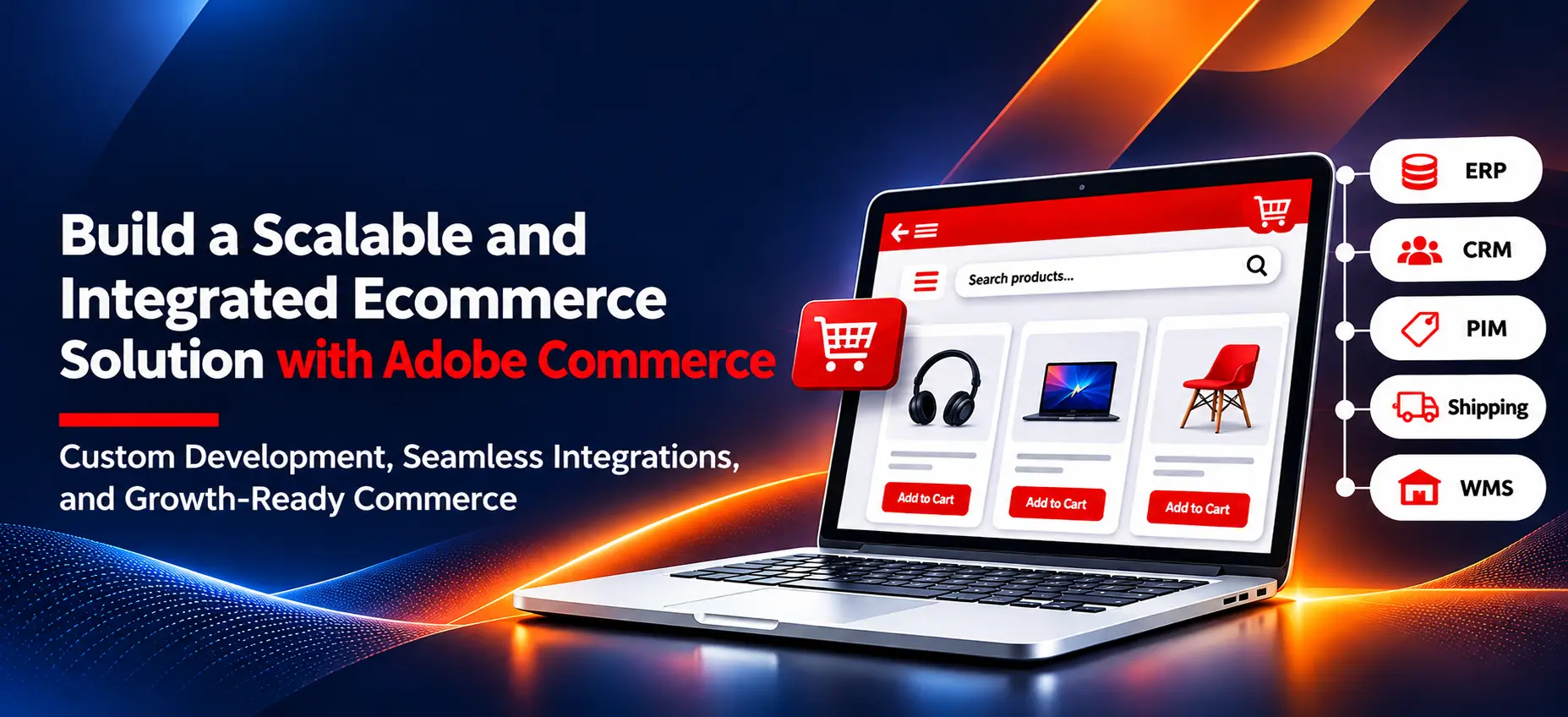
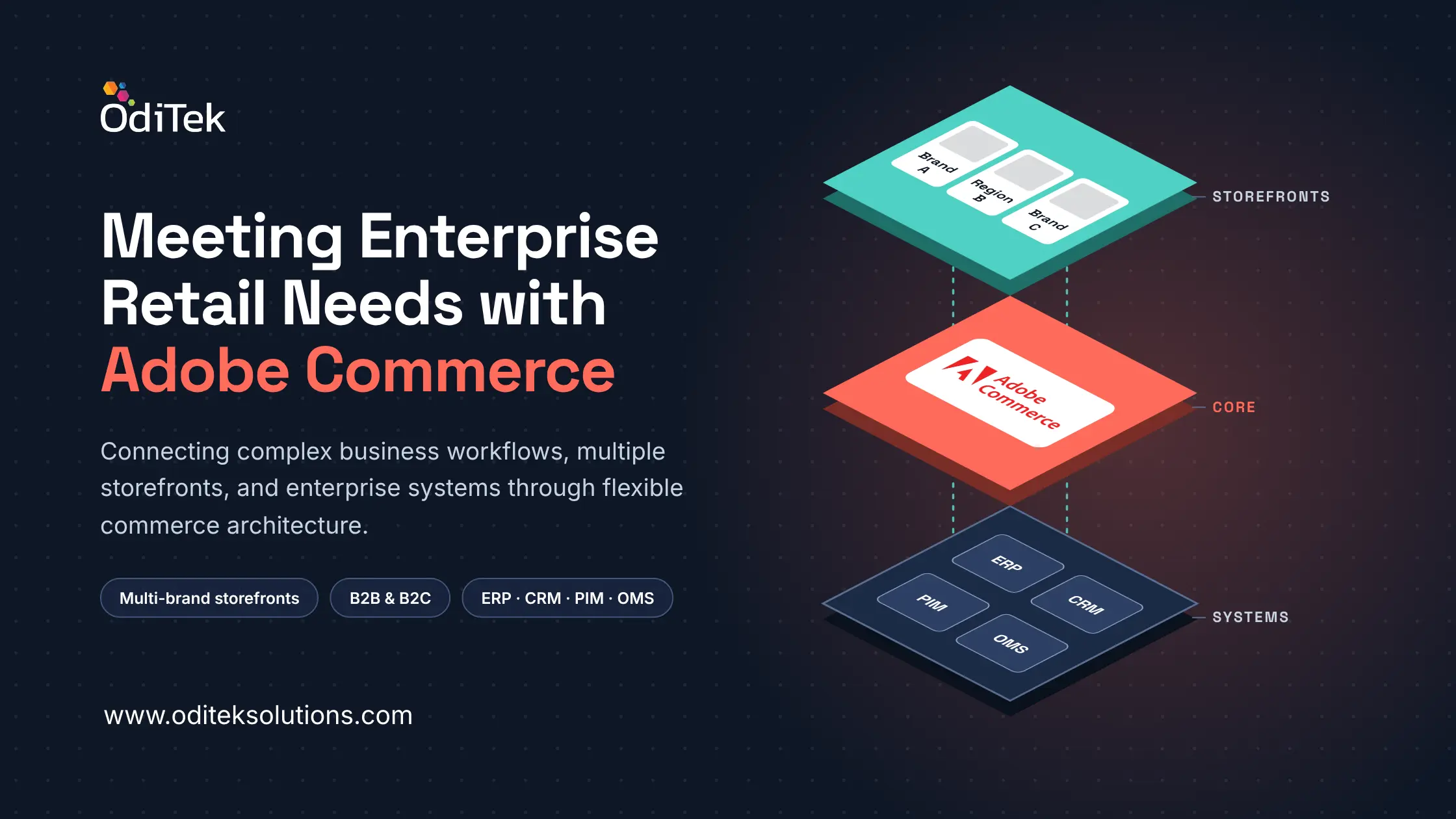
Enterprise retail rarely operates through a single storefront. A retailer may manage several brands, regional markets, extensive catalogs, customer-specific pricing, and inventory across locations. Product, customer, and order data may also sit in separate ERP, CRM, PIM, and fulfilment systems, creating duplicated work and inconsistent information.
Adobe Commerce Implementation is not simply about launching an online store. It involves aligning commerce capabilities, business processes, and connected systems. Adobe Commerce provides a flexible foundation for managing storefronts, selling models, and business-specific functionality.
What Is Adobe Commerce and Where Does It Fit in Enterprise Retail?
Adobe Commerce is an eCommerce platform used to build and manage digital storefronts, product catalogs, customer experiences, and online transactions. It supports B2C and B2B commerce requirements, with options for configuration, customization, and integration with enterprise applications.
For retailers, the platform offers more than storefront management. Businesses can manage separate brand websites, customer-specific pricing, and consistent product information across different markets through a connected commerce environment.
When evaluating the platform, teams should consider business processes, customer journeys, and existing systems, then identify which Adobe Commerce features address their priorities.
Relevant Adobe Commerce features include:
• Catalog Management: Organize configurable products, attributes, and variations.
• Multi-Store Architecture: Manage websites, stores, and store views centrally.
• B2B Commerce: Support company accounts, shared catalogs, negotiated pricing, and purchase orders.
• Promotions: Configure pricing rules and customer-specific offers.
• Integration Options: Connect with ERP, CRM, PIM, payment, and other applications.
What eCommerce Challenges Can Adobe Commerce Solve for Large Retail Businesses?
As product ranges, order volumes, and sales channels expand, retailers can struggle to coordinate processes and keep information consistent across teams and systems.
The platform can help address several common requirements:
1. Complex Catalogs
Product variations, custom attributes, and market-specific information need to be organized consistently. Catalog tools help teams structure this data for shoppers.
2. Disconnected Business Systems
Separate inventory, customer, and order applications can create manual reconciliation. ERP, CRM, and PIM integrations improve data exchange and reduce repeated updates.
3. Different Pricing Models
Customer groups, shared catalogs, and tailored pricing rules can support consumers, wholesalers, distributors, and business accounts.
4. Inconsistent Shopping Experiences
Merchandising, promotions, and customer segmentation help retailers tailor shopping journeys while maintaining accurate product information.
These examples show why Adobe Commerce features should be assessed against specific operational problems. A capability is valuable when it addresses a real requirement, not simply because it is available.
How Can Adobe Commerce Support Multiple Brands and Regional Storefronts?
Managing several brands or markets involves more than translation. Storefronts may need different assortments, content, languages, currencies, and promotions, alongside shared operational oversight.
Adobe Commerce’s multi-website, store, and store-view structure can support distinct storefronts within one coordinated setup. A retailer operating in India, the UK, and the US, for example, may need localized content, currencies, product availability, and promotions. Shared administration can reduce the need to manage each market as a separate environment.
Teams must decide which catalog data and business rules are shared and which are brand- or region-specific. Adobe Commerce features such as store configuration and catalog management support this structure, while thoughtful design keeps it maintainable.
Planning Adobe Commerce Implementation Around Business Requirements
A successful Adobe Commerce Implementation begins with discovery. The team should understand the business model, existing systems, and expected outcomes before development starts.
1. Map Business Processes
Review product setup, pricing, order processing, returns, and customer support to identify delays and manual work.
2. Define Integration Requirements
Identify the ERP, CRM, PIM, payment, warehouse, and fulfilment systems involved. Establish data ownership and synchronization rules.
3. Limit Unnecessary Customization
Use standard configuration where possible and reserve custom development for genuine business needs. This can simplify maintenance and upgrades.
4. Plan Performance and Security
Account for traffic, catalog size, hosting, caching, access controls, and monitoring during solution design.
5. Test End-to-End Journeys
Validate product updates, accounts, pricing, checkout, payments, order status, and integrations together.
This process links technical decisions to business priorities and clarifies project scope, cost, and delivery risks.
Evaluating Adobe Commerce Versions and Upgrade Requirements
The selected release and deployment approach affect compatibility and maintenance. Teams should review Adobe Commerce versions against infrastructure, extensions, custom code, and integration dependencies.
A practical assessment should include:
• Platform Compatibility: Confirm the supported PHP, database, search, and other technology requirements for the intended release.
• Extension Readiness: Check whether third-party extensions and custom modules are compatible, maintained, and still necessary.
• Security and Support: Select a supported release and plan how security updates and patches will be applied.
• Integration Testing: Verify that APIs, connectors, and external systems continue to exchange data correctly after an upgrade.
• Upgrade Effort: Estimate code changes, regression testing, and deployment planning.
• Release Comparison: Compare Adobe Commerce versions to understand relevant improvements, compatibility changes, and upgrade requirements.
Compare cloud and on-premises deployment options against hosting needs and internal capabilities. Reviewing Adobe Commerce versions as part of the technology roadmap makes upgrades easier to plan.
Why Choose OdiTek for Adobe Commerce Development?
Enterprise projects need a team that understands business workflows, integration dependencies, and the retailer’s operating requirements.
OdiTek Solutions provides web and eCommerce development services, including:
• Custom Development: Build functionality around defined business workflows.
• Platform Customization: Adapt storefront experiences and commerce processes to different business models.
• System Integration: Connect commerce environments with ERP, CRM, and other enterprise applications.
• API Development: Enable communication and data exchange between business systems.
• Technical Support: Address ongoing development needs and maintain platform functionality.
The aim is to make technology serve the business. A requirements-led Adobe Commerce Implementation aligns development with the retailer’s processes and integration needs.
Frequently Asked Questions
1. Is Adobe Commerce suitable for enterprise retail?
It can suit retailers that need large catalogs, multiple storefronts, B2B capabilities, customized workflows, and system integrations. Suitability depends on requirements and total cost of ownership.
2. Can Adobe Commerce connect with an existing ERP or CRM?
Yes. APIs and integration solutions connect it with ERP, CRM, PIM, payment, and fulfilment systems, depending on the data and workflows involved.
3. What should businesses review before upgrading?
They should check Adobe Commerce versions, infrastructure, extensions, custom code, integrations, security, and required testing.
4. Does Adobe Commerce support B2B and B2C selling?
Yes. It supports B2C storefronts and B2B requirements such as company accounts, shared catalogs, negotiated pricing, and purchase orders, depending on edition and configuration.
5. How long does an enterprise commerce project take?
Timelines depend on storefronts, customization, integrations, migration, and testing. Discovery helps set realistic milestones.
Final Thoughts
Enterprise platforms must reflect how a retailer sells, fulfils orders, manages information, and serves customers. Adobe Commerce offers relevant capabilities, but features alone do not create a coherent commerce environment.
A well-planned Adobe Commerce Implementation connects requirements with configuration, integrations, architecture, and maintenance, helping retailers manage complexity and adapt as operations evolve.
Discover our Adobe Commerce development expertise and see how we can support your eCommerce goals.
Talk to our team to get started with a Adobe Commerce solution designed around your business requirements.