Modern enterprises rely on dozens of business applications to manage sales, finance, HR, customer support, and operations. However, when these systems don’t communicate with each other, teams often struggle with manual processes, inconsistent data, and slower decision-making. This is where Workato integration and automation makes a real difference.
By connecting applications and automating workflows, organizations can eliminate repetitive tasks, improve data accuracy, and help employees focus on work that creates greater business value. In this guide, you’ll learn why enterprises continue to invest in Workato, its key business benefits, real-world use cases, and how the right implementation partner can maximize your automation journey.
Why Enterprises Are Investing in Workato
As organizations grow, so does the number of applications they use. Sales teams work in CRMs, finance manages ERP systems, HR relies on employee platforms, while marketing and customer support use their own specialized tools. Without proper integration, information becomes scattered across multiple systems.
This challenge has increased the demand for Workato enterprise automation, allowing businesses to create seamless connections between cloud and on-premise applications without relying heavily on custom development.
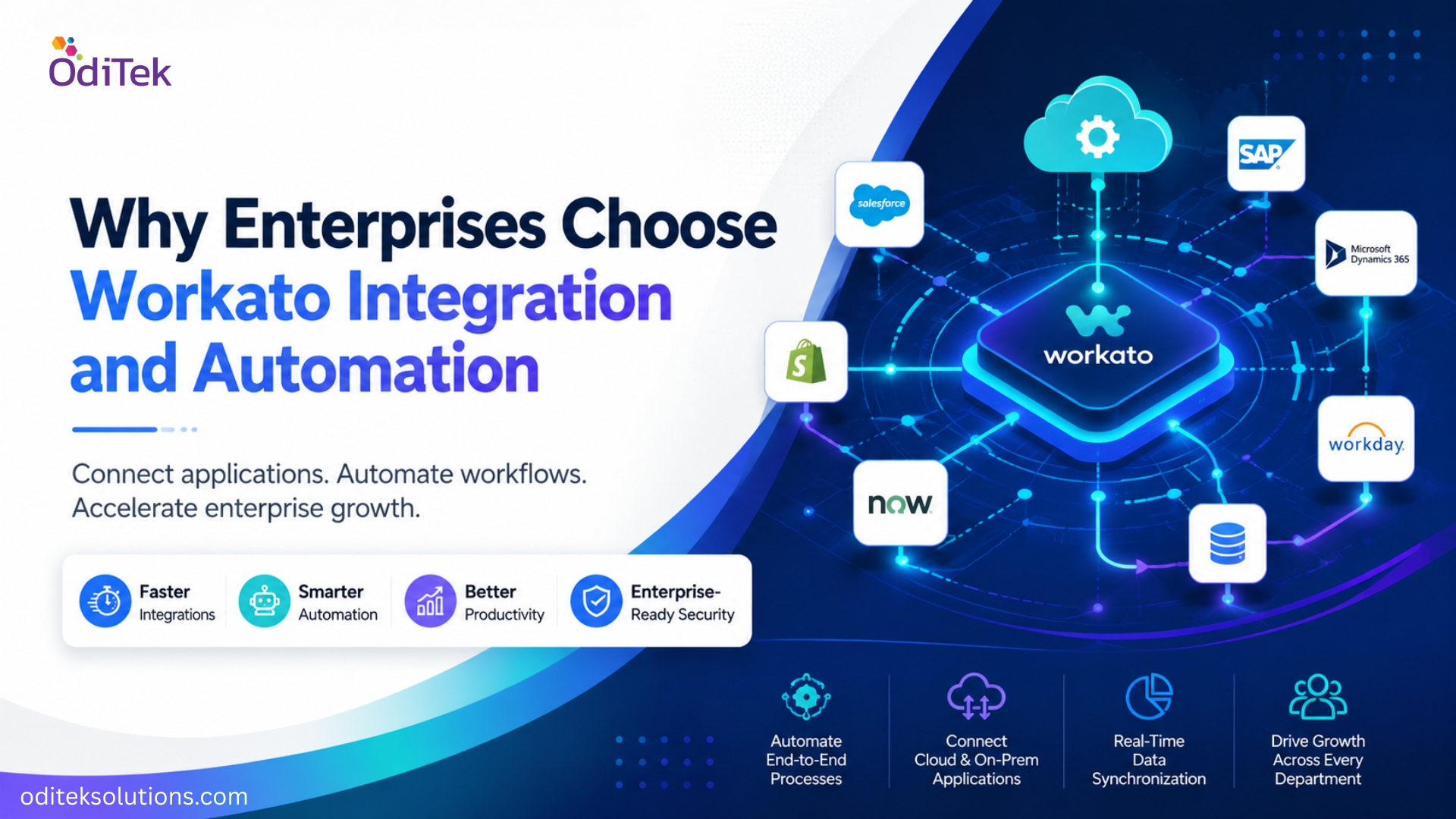
Unlike traditional integration methods that require significant coding and maintenance, Workato offers a low-code platform with thousands of ready-to-use connectors and intelligent workflow automation. This enables organizations to automate processes much faster while maintaining enterprise-grade security and governance.
Key Benefits of Workato Integration and Automation
Enterprises adopt automation to solve practical business problems rather than simply introducing new technology. When implemented correctly, Workato delivers measurable improvements across departments.
Some of the biggest business benefits include:
• Automates repetitive manual tasks, reducing operational workload.
• Connects cloud and on-premise applications through pre-built integrations.
• Improves data consistency by eliminating duplicate entries.
• Accelerates approvals and business workflows.
• Supports enterprise-scale growth without frequent redevelopment.
• Enhances collaboration between departments using real-time data.
• Strengthens governance with secure integrations and centralized monitoring.
• Reduces operational costs by minimizing manual intervention.
• Enables leadership to make faster decisions using synchronized business data.
• Helps IT teams spend less time maintaining custom integrations.
These improvements allow organizations to increase productivity while creating more efficient business operations.
How Workato Simplifies Enterprise Integration
Many businesses ask, How does Workato improve enterprise integration? The answer lies in its ability to connect multiple systems through automated workflows that exchange information in real time.
1. Pre-built Connectors
Workato offers a large library of connectors for popular business applications including Salesforce, SAP, Microsoft Dynamics 365, NetSuite, ServiceNow, Slack, Workday, and many others. This significantly reduces implementation time.
2. Recipe-Based Automation
Instead of writing lengthy code, Workato uses “recipes” that define workflow logic. Teams can automate approvals, notifications, record updates, and data synchronization using an intuitive visual interface.
3. Real-Time Data Synchronization
Rather than waiting for scheduled updates, Workato transfers data instantly whenever a business event occurs. This keeps every connected application updated with accurate information.
4. Scalable Enterprise Architecture
As organizations expand, new applications and workflows can easily be added without redesigning the entire integration environment, making Workato suitable for growing enterprises.
Real-World Enterprise Use Cases
Every department can benefit from automation when repetitive processes are removed and systems work together efficiently.
1. Sales Operations
Automatically sync leads between CRM, marketing platforms, and customer databases. Sales representatives spend less time entering information and more time engaging with customers.
2. Finance and Accounting
Invoice approvals, payment notifications, ERP updates, and financial reporting can all be automated, reducing delays and manual reconciliation.
3. Human Resources
Employee onboarding becomes much smoother by automatically creating user accounts, assigning software access, notifying managers, and updating HR records from a single workflow.
4. Customer Support
Support tickets can automatically trigger notifications, update CRM records, create engineering tasks, and keep customers informed throughout the resolution process.
5. IT Operations
IT teams can automate user provisioning, incident management, application monitoring, and system alerts while maintaining centralized control over enterprise workflows.
Why Workato Is a Preferred Enterprise Automation Platform
A common question among decision-makers is, Why do enterprises choose Workato? The answer goes beyond automation alone.
Workato combines integration, workflow automation, API management, and AI-powered capabilities within a single platform. This reduces the need for multiple integration tools while simplifying enterprise operations.
Additionally, Workato supports enterprise security requirements with governance features, role-based access, audit logs, and compliance capabilities. Business teams can build automations faster, while IT maintains visibility and control over the entire integration ecosystem.
These capabilities make Workato one of today’s leading Workato enterprise solutions for organizations looking to modernize business operations without increasing technical complexity.
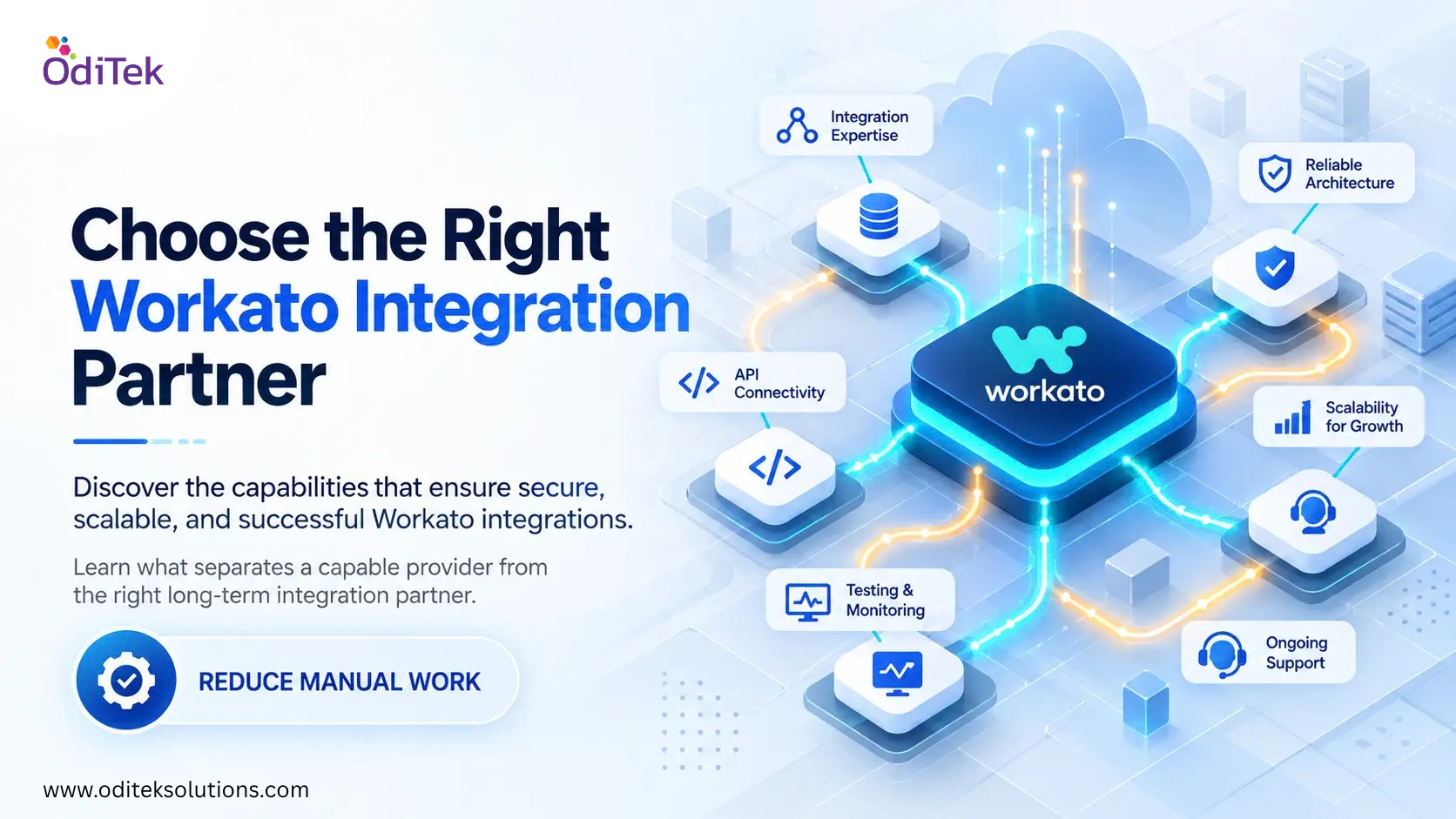
How OdiTek Helps Businesses Achieve Better Automation with Workato
Successful automation depends not only on choosing the right platform but also on implementing it with a clear integration strategy. OdiTek helps organizations design, implement, and optimize Workato solutions that align with their business goals.
Whether you’re connecting enterprise applications, modernizing legacy systems, or building automated workflows, OdiTek focuses on creating scalable integrations that deliver measurable business outcomes.
With OdiTek’s Workato expertise, businesses can:
• Design scalable integration architectures tailored to enterprise needs.
• Connect cloud and on-premise applications with minimal disruption.
• Automate repetitive workflows across departments.
• Improve data accuracy through real-time synchronization.
• Strengthen governance with secure, enterprise-ready integrations.
• Scale automation initiatives as business requirements evolve.
By combining technical expertise with industry best practices, OdiTek helps businesses unlock the full value of Workato integration and automation while reducing implementation complexity.
Looking to streamline enterprise operations with intelligent automation? Explore OdiTek’s Workato Integration Services and discover how scalable integrations can help your business improve efficiency, reduce manual work, and accelerate digital transformation.
Frequently Asked Questions
1. What is Workato integration and automation?
Workato integration and automation is the process of connecting business applications and automating workflows so information moves seamlessly between systems with minimal manual effort.
2. Why do enterprises choose Workato?
Enterprises choose Workato because it combines application integration, workflow automation, API management, and enterprise security in one low-code platform, enabling faster digital transformation.
3. How does Workato improve enterprise integration?
Workato improves enterprise integration by connecting cloud and on-premise applications, synchronizing data in real time, automating workflows, and reducing the need for custom coding.
4. Can Workato integrate with existing enterprise applications?
Yes. Workato supports thousands of connectors for leading enterprise applications such as Salesforce, SAP, Microsoft Dynamics 365, NetSuite, ServiceNow, Workday, Slack, and many more.
5. Is Workato suitable for growing businesses?
Yes. Workato is designed to scale with business growth, allowing organizations to add new applications, workflows, and automations without rebuilding their existing integration environment.
6. Do businesses need a Workato implementation partner?
Working with an experienced implementation partner helps organizations design efficient workflows, reduce deployment risks, optimize integrations, and maximize long-term return on investment from the platform.